Free PS Templates
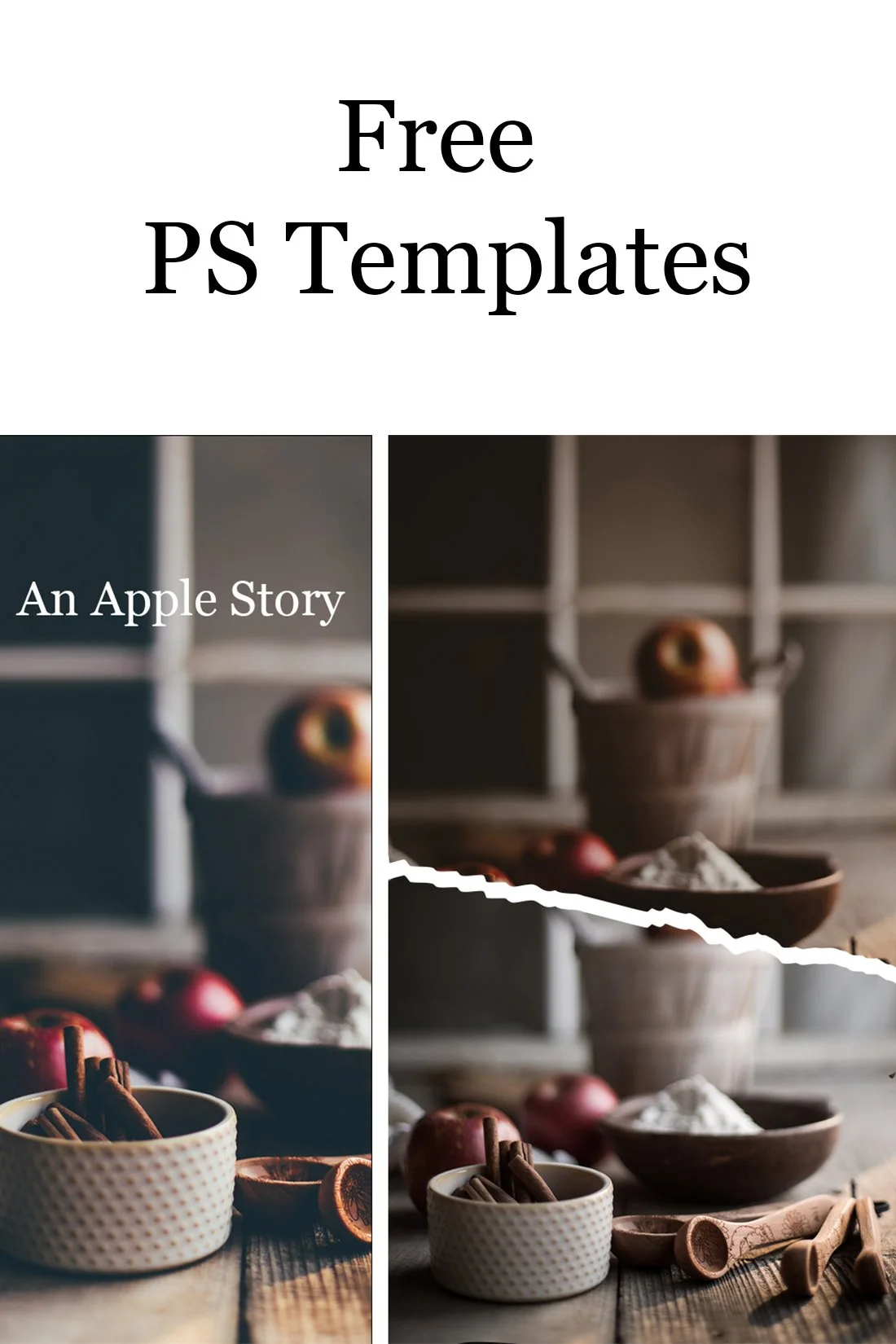
Hello ... it's been awhile! This morning I was inspired by some images I saw on Instagram and thought I'd make some templates for me and for you!
These can be so fun if you post a few images stacked in the same post so people have to scroll to see them.
Please feel free to download and use them! Be sure to tag me when you do so I can see your pretty work! @sixteenmilesout


You can click on any one of the images and you'll be taken to DropBox to get your download. Below are the steps to follow to add your images:
- Open the file in Photoshop
- Click on the layer you want to use in the Layers Panel
- Find the image you want in that layer on your computer
- Drag the image to Photoshop
- Resize the image once it's in Photoshop
- The image should be within the shape (if it isn't, click on Option and click with your mouse and it will drop within the shape)
- Hide the text layers
- Flatten your image
- Save
I've included a little video to help. :)
[video mp4="https://sixteenmilesout.com/wp-content/uploads/2021/10/Grids.mp4" poster="" ][/video]